
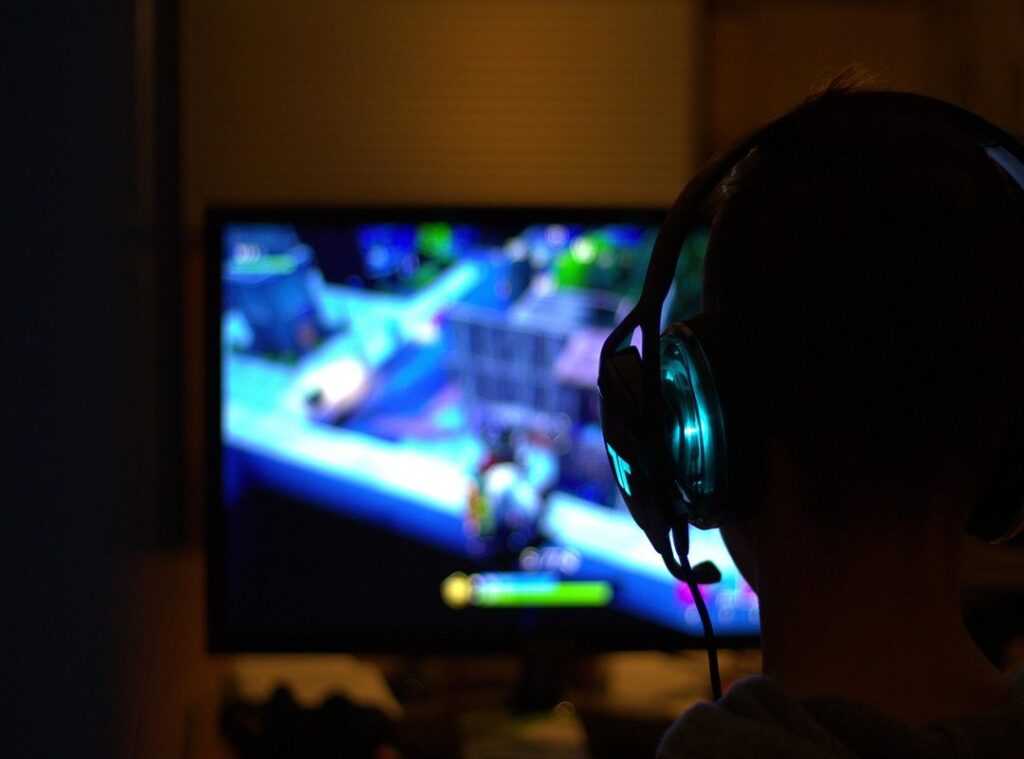
A cluttered or uninspiring gaming space can ruin your immersion.
Ever find yourself struggling to enjoy your favorite game because your setup is a mess?
I know I have.
This article will guide you in transforming any space into a functional, comfortable, and aesthetically pleasing gaming sanctuary.
I’ve spent countless hours optimizing setups, from competitive esports environments to cozy personal nooks.
Trust me, I get the gamer’s needs.
In this piece, we’ll dive into practical strategies for effective gaming space setup that cater to your individual playstyle and space constraints.
You’ll learn clear definitions and actionable steps to create a personalized gaming experience.
I’ll share insightful examples that show how to raise your setup without breaking the bank.
Say goodbye to suboptimal arrangements.
Let’s get to work on crafting a space that looks good but feels right for you.
The Blueprint: Unveiling Your Gaming Zone
So, you think a gaming area is just about throwing your hardware into a room and calling it a day? Wrong. It’s strategic planning for flow, function, and feel.
Let’s dig into gaming space setup. First, look at your space. Are your dimensions awkward?
Natural light glaring on your screen? What’s your wall space and proximity to power outlets or internet connections? These things count.
Now, what’s your style? Casual? Competitive?
Streaming or VR maybe? Each style reshapes your setup needs. A competitive gamer might need multiple monitors.
A streamer needs a spot for that killer ring light and camera angle. But you know what you’re all thinking: What about gear? Before you spend a cent, inventory that important gear (PC/console,) monitor(s), peripherals like keyboard, mouse, and headset, plus that ultra-cool gaming chair you saw online.
Sketch it out. Seriously. A rough plan on paper or digital to visualize where things go can save time and effort.
Avoid the chaos before moving anything. Trust me, you’ll thank yourself later. This is your chance to craft a gaming sanctuary.
Make the most of it now. What’s your first step?
Comfort is King: Ergonomics for Marathon Gaming Sessions
Let’s face it, a good gaming space setup is worth its weight in gold. If you’re planning on those epic gaming marathons (and who isn’t?), comfort isn’t just a luxury (it’s) a necessity.
An ergonomic chair is your throne. Choose one that adjusts in height with armrests, lumbar support, and a recline. Your body will thank you later.
Monitors should be at eye-level, about an arm’s length away. I know, it sounds basic, but you’d be surprised how many folks ignore this. Glare from windows or lights?
Avoid it like the plague. It’s not just distracting (it’s) exhausting.
And what about your keyboard and mouse? Keep your wrists straight and elbows at a 90-degree angle. It’s like magic for your muscles.
Don’t forget other aids like footrests or anti-fatigue mats. They make a world of difference. Plus, taking short breaks to stretch isn’t just good for the body; it refreshes the mind.
Speaking of breaks, ever considered healthy snacking during gaming sessions? Trust me, it pairs well with comfort.
Keep tweaking your space until it feels just right. Gaming should be enjoyable, not a chore.
Crafting the Vibe: Gaming Space Immersion
Your gaming space setup is more than just a few gadgets scattered around. It’s a sanctuary. You step in, and BAM, you’re ready to conquer worlds.
Aesthetics matter. Lighting is key. RGB strips can make your room look like a scene from a sci-fi movie.
But don’t overdo it. Bias lighting behind your monitor helps reduce eye strain, making those marathon sessions more bearable. And natural light?
It’s free. Use it.
Decor is where things get personal. Posters of iconic game covers, collectible figurines, and even a strategically placed plant can add life to your setup. (Plants are the unsung heroes of decor.) Choose a color scheme that screams “you.” Whether it’s the neon pink of a retro arcade or the earthy tones of an adventure game, keep it cohesive.
Sound is key. A good headset boosts competitive play by isolating noise. But what if you’re more into single-player stories?
Speakers can immerse you in the game’s world. Just watch out for those thin apartment walls. Minor soundproofing can help.
And don’t forget the best gaming chair comfort. You’ll thank me later. It’s all about creating a space where you can lose track of time and reality.
Game on.
Taming the Tangled Web: Masterful Cable Management
I can’t stand a messy gaming space setup. Why spend thousands on gear if it looks like a rat’s nest? Fast cable management is the unsung hero of any good gaming area.

It makes everything look cleaner, helps airflow, and even ups your safety game. Plus, it’s way easier to clean.
Start with the right tools. I swear by cable ties, Velcro straps, and cable sleeves. Adhesive clips and desk grommets also work wonders.
The key is unplugging everything and organizing by type. Route them along desk edges or legs, then secure. Labeling is a lifesaver for future swaps.
Strategic placement of power strips and surge protectors is key. Keep your wires hidden and your gadgets safe from power surges. And future-proofing?
Leave a bit of slack for new devices. Makes adding or removing components a breeze.
For more ideas on creating the ultimate gaming space, check out these gaming room ideas: setups for pc, for inspiration. Trust me, your setup deserves it. Getting your cables under control isn’t just about looks.
It’s about creating a space that works for you. And isn’t that what we all want?
Maximize Your Space: Clever Gaming Setups
Space is tight. We all get it. Setting up a gaming space setup in a cramped area feels like solving a puzzle.
On the other hand, a straight desk is pretty versatile if you’re prone to rearranging things.
But here’s the thing: it’s doable. When you’re choosing between a corner desk and a straight desk, think about your room’s shape. A corner desk snugs nicely into tight spots, leaving space for other stuff (like a bean bag chair for those Netflix breaks).
Now, go vertical. Wall-mounted shelves are lifesavers for your game collection. Pegboards?
They’re for peripherals. And don’t forget monitor arms to clear desk clutter. Honestly, it’s about using every inch.
Multi-functional furniture can be a game changer. Consider storage ottomans for gear. Desks with built-in shelves or fold-down models are brilliant for shared spaces.
Why stop there? In a larger room, designate zones. Create distinct areas for gaming, working, and relaxing.
It makes your space feel organized and purposeful. And your mood will thank you for it. Do you really want to share your gaming area with your work files?
Thought not.
Level Up Your Gaming Space
You’ve got the knowledge to transform your chaotic corner into a personalized gaming sanctuary.
It’s all about thoughtful planning, comfort, aesthetics, and organization.
Don’t let your gaming space setup stagnate.
Take action now.
Start by decluttering or optimizing one element of your setup.
I promise you’ll feel the difference.
And once you see the results, share your newly arranged space or explore more tips to refine it even further.
Your ideal gaming area is within reach.
What are you waiting for?
Let’s make it happen.
 healer_teapot writes the kind of competitive gaming content that players end up thinking about long after they close the tab. Not because the writing is overly dramatic or filled with forced “pro gamer” energy, but because healer_teapot has a very sharp understanding of the small decisions that separate average play from genuinely intelligent play. They covers Competitive Play Insights, Gaming Innovations, and Genre Exploration with the mindset of someone who has spent years paying close attention to how games actually function beneath the surface.